How to add manual delegation?
In addition to automatic delegation calculation, you can also create delegations manually.
⚠️
Warning
The driver doesn’t have an active contract?
You cannot create a delegation for a driver without an active contract! Before attempting to create a delegation manually, automatically, or during file import, make sure the driver has an active contract.
- Go to the
Activitiestab and select theMonth,7-day, orDailyview. - Hover over the desired activity axis and open the context menu (e.g. by right-clicking).
- Select the
Add delegationoption.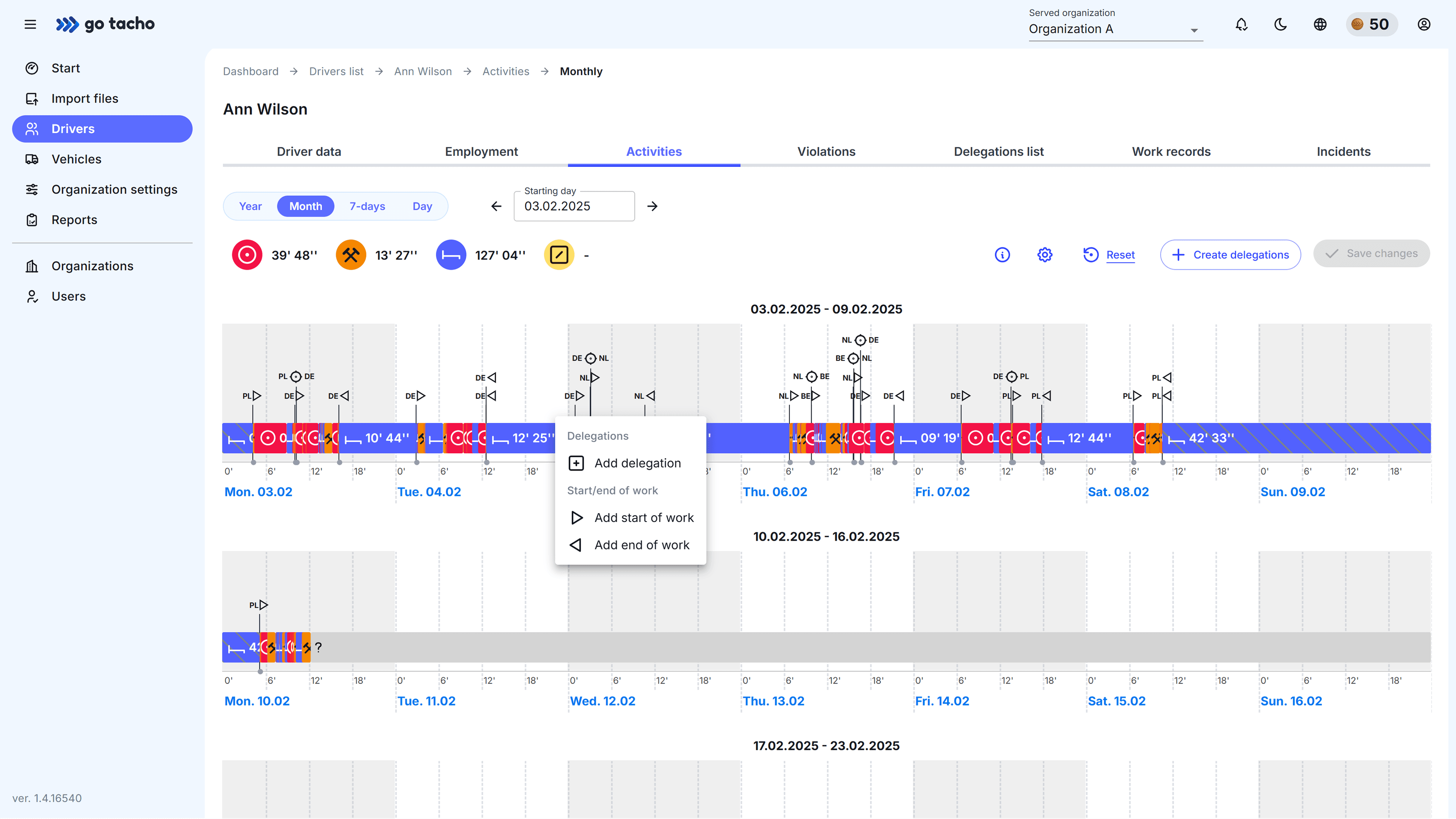
- This will generate a draft delegation covering a 4-hour period.
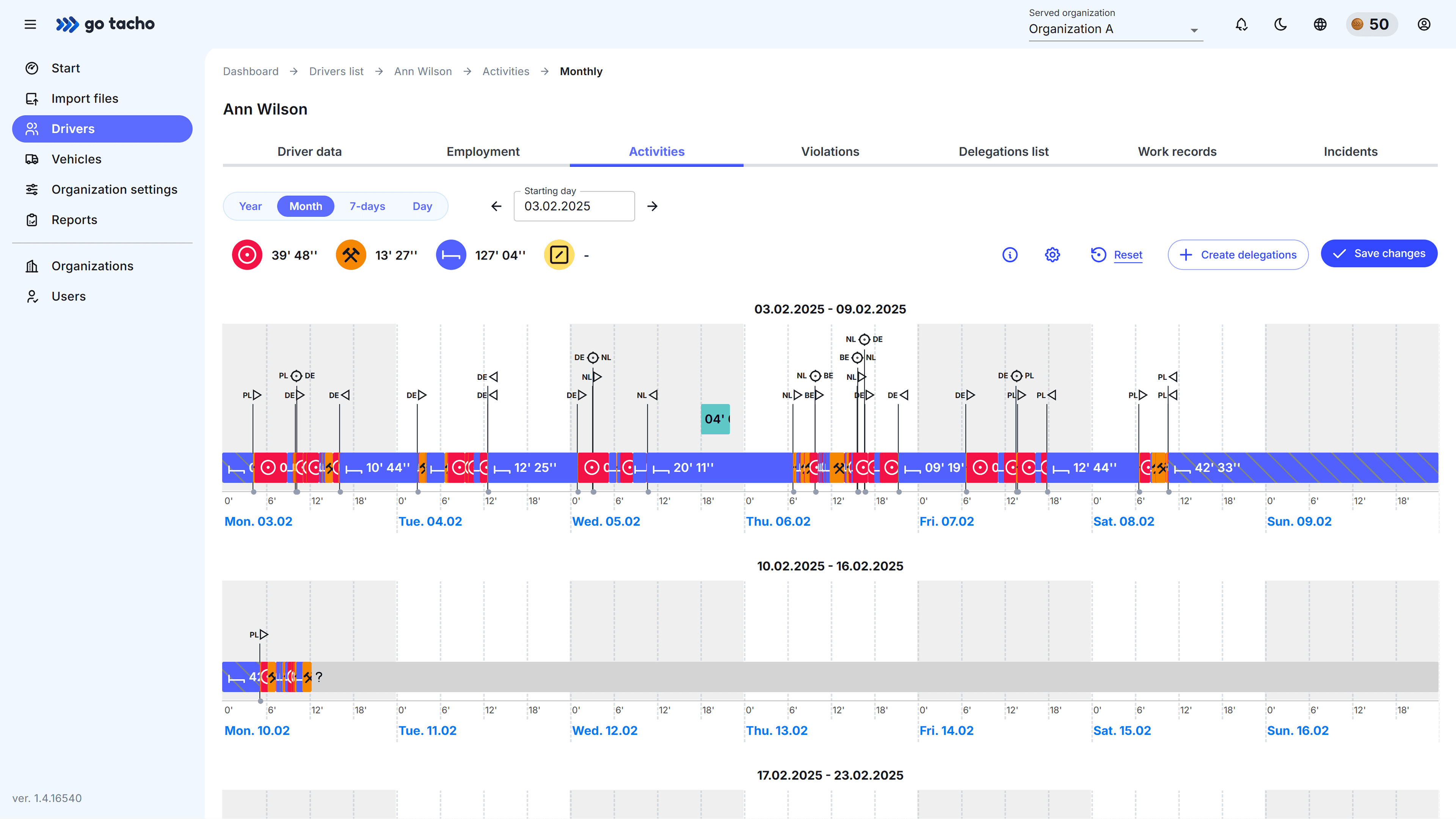
- Adjust the duration to the appropriate range and click
Save changes. The delegation type will be determined automatically based on work start / end markers and border crossings.
Note
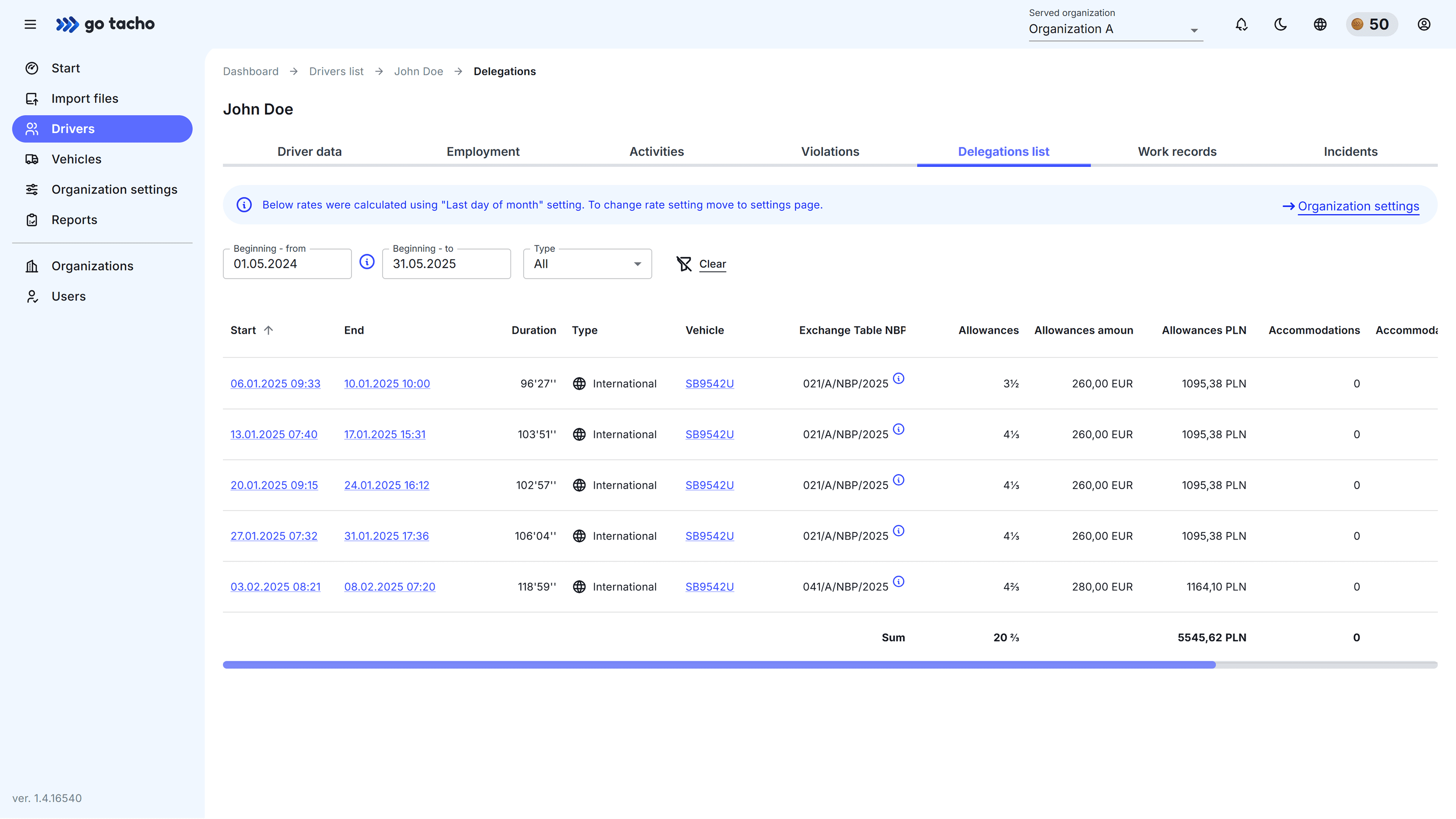
Looking for delegations in list format?
To browse delegations in list format, go to the Delegation list view. You can find out more about this
in the section What is the delegation list?.