How to add an organization?
Find the form
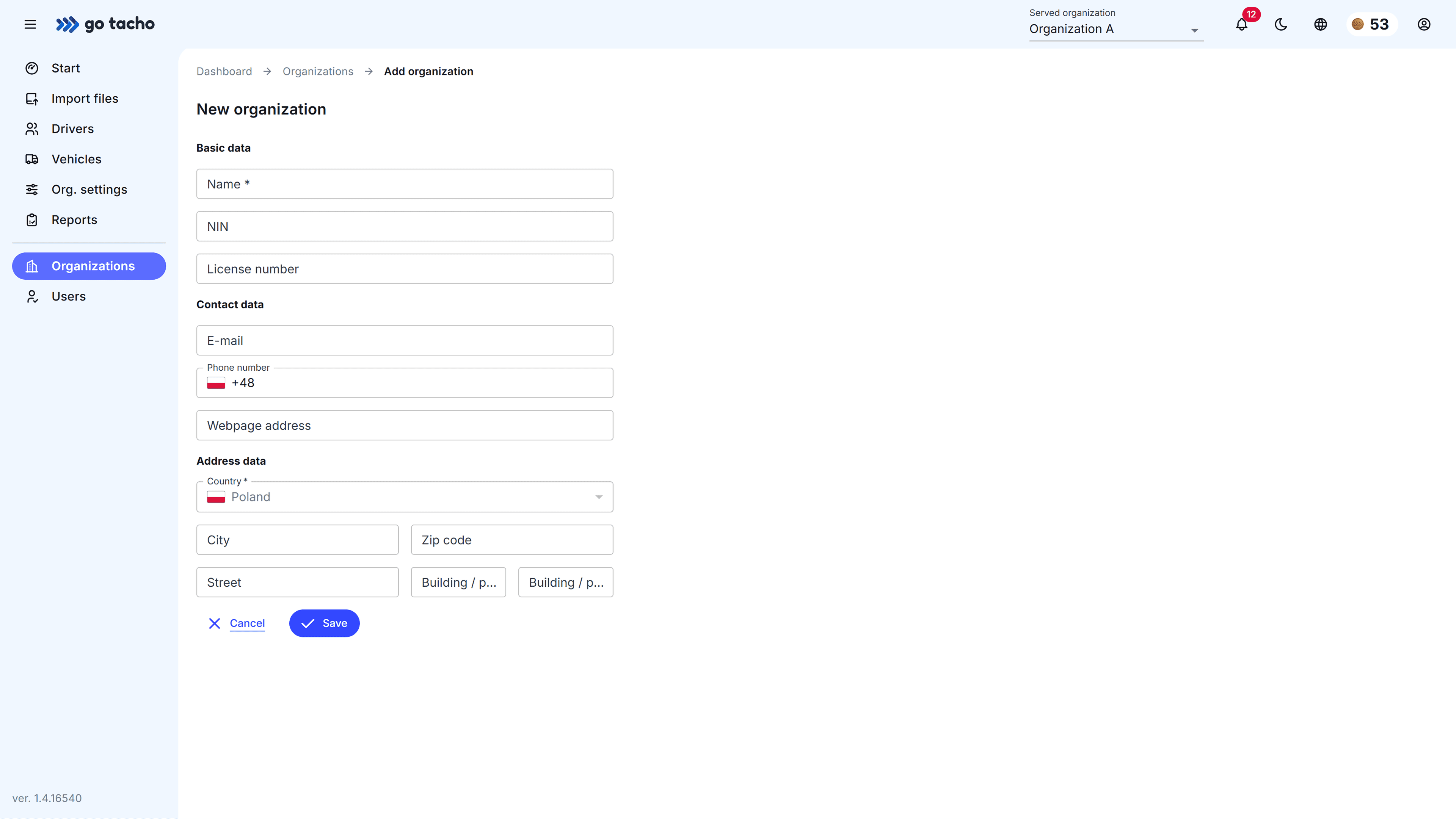
To access the form for adding a new organization, follow these steps:
- select
Organizationsfrom the side menu, - click the
Add organizationbutton in the top-right corner.
Fill out the form
Fill in the form, making sure to complete all required fields, especially:
- organization name,
- country.
Note
Changing country is not possible??
If you are using a company account, country will be set to Poland by default and you won’t be able to change it.
Click Save and you’re done!